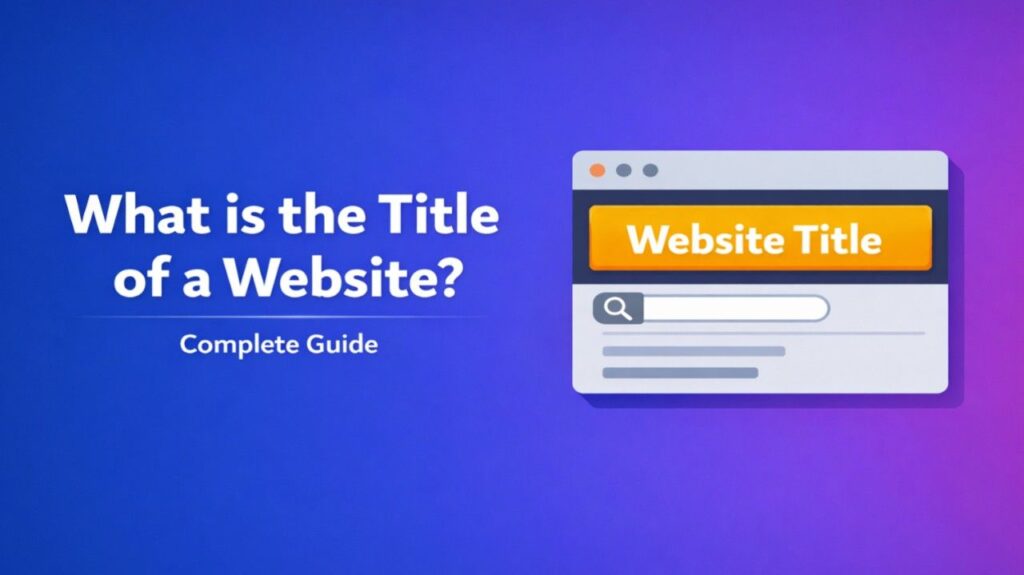
What Is the Title of a Website – The title of a website (also called the page title or document title) is a short, descriptive phrase defined in a website’s HTML code. It tells users and search engines what the page is about.
Example of HTML code:
HTML
<head>
    <title>What is the Title of a Website? - Example Site</title>
</head>
This title displays at the top of the browser window or tab.
Why the Website Title Matters
- Browser tabs: Helps users identify open pages when switching tabs.
- Search engines: Appears as the blue clickable link in Google, Bing, and other search results.
- Bookmarks: Becomes the default name when users save the page.
- Social sharing: Often pulled automatically when sharing links on platforms like Facebook or LinkedIn.
- SEO: A well-written title improves click-through rates and helps search engines understand the page content.
Page Title vs. Other Elements
People often confuse these terms:
- Website Title / Page Title (<title> tag): Appears in the browser tab and search results. Usually 50–60 characters.
- H1 Heading: The main visible headline on the actual webpage.
- Domain Name: The website’s main address (e.g., example.com).
- Meta Title: Another name for the same <title> tag used in SEO discussions.
Also Read-What is AMOM
How to Find the Title of a Website
- Look at the browser tab — the text shown there is the title.
- Right-click on the page → View Page Source (or Ctrl+U) → Search for <title>.
- On mobile, tap the tab switcher to see titles.
Best Practices for Writing Good Titles
- Keep it under 60 characters to avoid truncation in search results.
- Include main keywords naturally.
- Make it clear and compelling.
- Use brand name at the end when appropriate (e.g., “Best Running Shoes 2026 | Nike”).
Good example: “What Is the Title of a Website? Complete Beginner’s Guide”
Poor example: “Home”
FAQs : What Is the Title of a Website
Where is the title of a website located?
It is set in the <head> section of the HTML code using the <title> tag.
Can I change the title of a website?
Yes. Website owners edit the <title> tag in their CMS (WordPress, Wix, etc.) or directly in the HTML file.
Does the title affect SEO?
Yes. Clear, keyword-rich titles help search engines rank the page and encourage users to click.
What is the difference between title and heading?
The title appears in the browser tab and search results. The heading (H1) is the large visible text on the page itself.
Why does my website title show as “Untitled”?
The page is missing the <title> tag or it is empty. Add a proper title in the HTML head section.