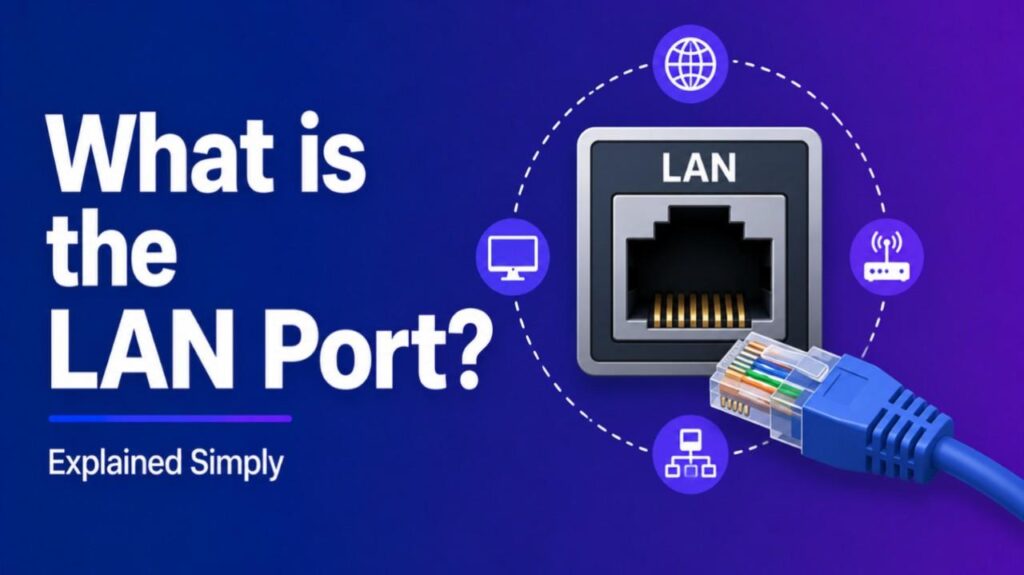
What is the LAN Port – A LAN port (Local Area Network port) is the socket where you plug in an Ethernet cable to connect your device to a network. It’s commonly found on desktops, laptops, routers, modems, and gaming consoles.
How the LAN Port Works
- Connection type: Uses Ethernet cables (RJ‑45 connectors).
- Data transfer: Provides fast, reliable communication between devices on the same network.
- Network role: Links computers, printers, and servers within a local area.
Types of LAN Ports
- Fast Ethernet (100 Mbps): Older standard, slower speeds.
- Gigabit Ethernet (1 Gbps): Common in modern devices, suitable for most home and office use.
- 10‑Gigabit Ethernet: High‑end networking, used in servers and advanced setups.
Benefits of Using a LAN Port
- Stable connection: Less interference compared to Wi‑Fi.
- Faster speeds: Ideal for gaming, streaming, and large file transfers.
- Lower latency: Better performance for video calls and online gaming.
- Secure link: Harder to intercept than wireless signals.
Also Read-What is MAC Address Spoofing
Comparison: LAN Port vs Wi‑Fi
| Feature | LAN Port | Wi‑Fi |
|---|---|---|
| Speed | Faster, consistent | Variable, depends on signal |
| Stability | Very stable | Can drop with interference |
| Mobility | Limited (wired) | High (wireless) |
| Security | More secure | Vulnerable to hacking if unsecured |
FAQs : What is the LAN Port
Where do I find the LAN port on my device?
Usually on the back or side, marked with “LAN” or a network icon.
Do all laptops have LAN ports?
Many modern slim laptops omit them, requiring a USB‑to‑Ethernet adapter.
Is LAN faster than Wi‑Fi?
Yes, LAN generally offers higher speeds and lower latency.
Can I use multiple LAN ports on a router?
Yes, most routers have several LAN ports to connect multiple devices.