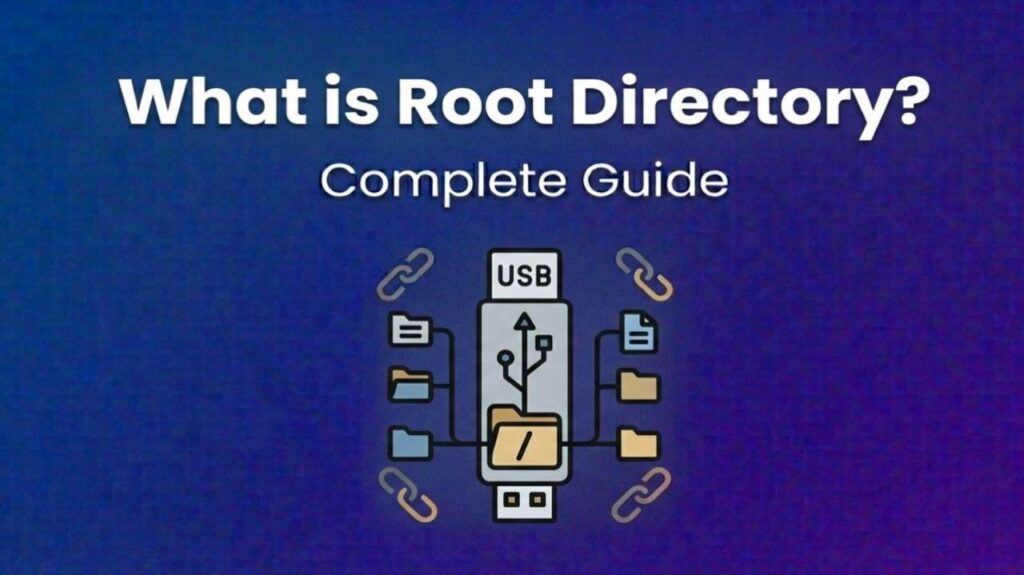
What is Root Directory of USB – Root directory of USB refers to the main directory structure of a USB flash drive or external storage device. It is the “home” location of the drive, meaning every other folder or file is organized beneath it.
How the Root Directory Works
- Top-level access: When you open a USB drive, the first screen you see is the root directory.
- File system dependent: Whether FAT32, exFAT, or NTFS, the root directory is automatically created when the drive is formatted.
- Storage organization: All folders and files branch out from this root.
Also Read-What is the bridge formula
Examples
- A USB with music files may show folders like Rock, Jazz, and Pop in the root directory.
- A bootable USB will have system files (like
bootmgrorEFI) directly in the root directory. - A student’s USB might have folders like Assignments, Projects, and Notes at the root level.
Benefits of Understanding the Root Directory
- Easy navigation: Helps locate files quickly.
- Bootable drives: Essential for creating installation media.
- Organization: Keeps files structured and accessible.
Root Directory vs. Subdirectory
| Aspect | Root Directory | Subdirectory |
|---|---|---|
| Location | Top-level of USB | Inside another folder |
| Purpose | Starting point | Organizes specific files |
| Example | USB:/ | USB:/Documents/Notes |
FAQs : What is Root Directory of USB
How do I access the root directory of a USB?
Plug in the USB, open it in File Explorer (Windows) or Finder (Mac), and the first screen is the root directory.
Can I delete files from the root directory?
Yes, but avoid deleting system or boot files if the USB is used for installations.
Is the root directory the same as “My Computer”?
No. “My Computer” shows all drives, while the root directory is specific to one USB drive.
Why do some programs require files in the root directory?
Software or bootable media often look for files directly in the root for quick access.