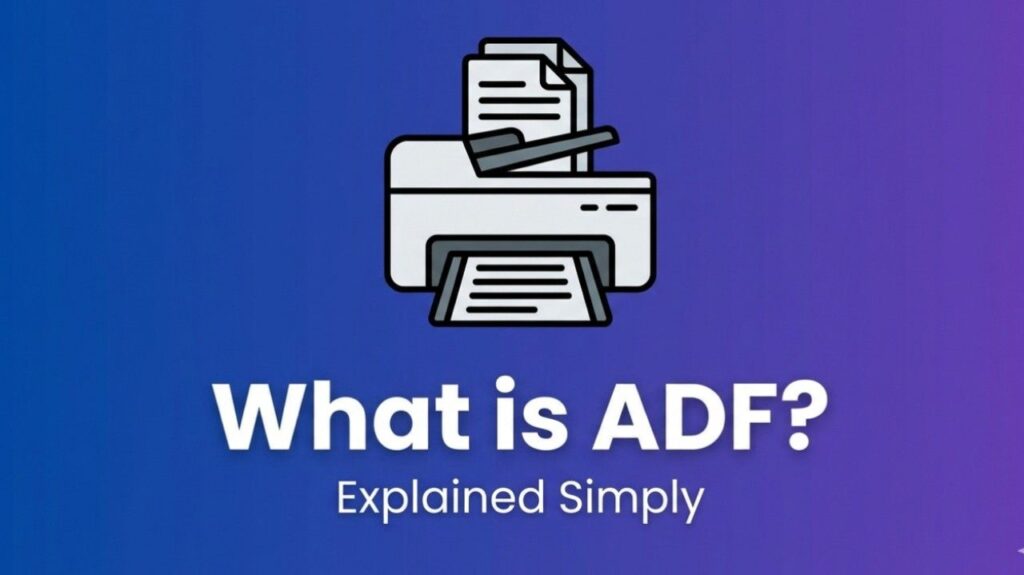
What Is Printer ADF – Printer ADF stands for Automatic Document Feeder. It is a tray or slot, usually located on top of the printer, that holds a stack of documents and feeds them automatically into the scanning unit. This feature saves time when handling multi-page jobs.
Most all-in-one printers with scanning, copying, and fax capabilities include an ADF.
How It Works
- Load a stack of paper (usually 10–200 sheets, depending on the model) into the ADF tray.
- Select scan, copy, or fax on the printer.
- Rollers inside the ADF pull one sheet at a time, scan both sides if duplex-enabled, and eject the page.
- The process repeats until the stack is complete.
This eliminates the need to lift the scanner lid and place each page manually on the glass.
Types of ADF
- Single-sided ADF: Scans only one side of each page.
- Duplex ADF (Two-sided): Scans both sides of a page in a single pass, often faster and more convenient.
- High-capacity ADF: Found in office models; holds more sheets and processes faster for heavy workloads.
Some advanced models combine ADF with flatbed scanning for mixed jobs (e.g., stapled documents or photos).
Benefits and Uses
- Time savings: Scan or copy dozens of pages quickly.
- Convenience: Ideal for contracts, reports, receipts, and office paperwork.
- Productivity: Frees you to work on other tasks while the job runs.
- Efficiency: Common in home offices, small businesses, and corporate environments.
Printer ADF vs. Flatbed Scanner
- ADF: Best for multi-page, loose-sheet documents.
- Flatbed: Better for single pages, books, fragile items, or photos where precise placement matters.
Many printers offer both options — you choose based on the job.
Also Read-What is the Best App for Resident Engagement
Examples
- Scanning a 20-page contract in one go.
- Copying a multi-page report for distribution.
- Faxing documents from the ADF without babysitting the machine.
FAQs : What Is Printer ADF
What does ADF mean on a printer?
ADF means Automatic Document Feeder — a feature that automatically processes multiple document pages.
Can all printers scan multiple pages?
No. Only printers with an ADF can automatically handle stacks of pages. Basic models usually have only a flatbed scanner.
How do I use the ADF?
Place the stack of pages face up in the ADF tray (check alignment guides), then choose your function (scan/copy/fax) on the control panel.
What paper can I use in the ADF?
Most ADFs handle standard 8.5×11 or A4 paper. Avoid very thin, thick, damaged, or glossy pages to prevent jams — check your printer manual for limits.
What if the ADF jams?
Gently remove jammed paper, check for debris, and ensure pages are straight and within capacity. Clean rollers periodically.