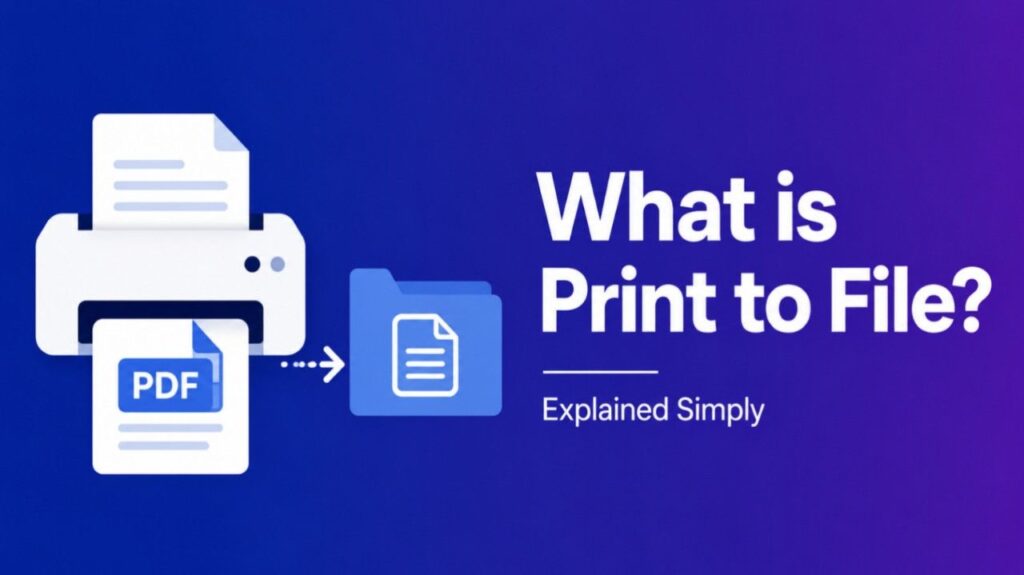
What is Print to File – Print to file is an option found in many operating systems and applications. Instead of physically printing a document, the system generates a file containing the print instructions. This file can then be stored, shared, or printed on a compatible printer at a later time.
How Print to File Works
- User selects “Print to file” in the print dialog box.
- System generates a file (commonly with extensions like
.prn,.ps, or.pdf). - File contains printer commands that replicate how the document would appear if printed.
- Later printing: The file can be sent to a printer that supports the format.
Types of Print to File Outputs
- PRN files – Raw printer instructions, often device‑specific.
- PostScript files – Used for high‑quality printing and publishing.
- PDF files – Portable format widely used for sharing and printing.
Benefits of Print to File
- Portability – Share documents without needing the original software.
- Delayed printing – Save jobs for later when a printer is available.
- Compatibility – Ensure consistent output across different systems.
- Archiving – Store exact print versions for records.
Also Read-What is the consolation of israel
Examples
- A user saves a Word document as a
.prnfile to print later at the office. - A designer exports a layout to PostScript for professional publishing.
- A student prints to PDF to submit assignments digitally.
Print to File vs. Save As
| Aspect | Print to File | Save As |
|---|---|---|
| Purpose | Creates printer‑ready file | Saves editable document |
| Format | PRN, PS, PDF | DOCX, XLSX, etc. |
| Use | For printing later | For editing or sharing content |
FAQs : What is Print to File
What file format does print to file use?
It depends on the printer driver—commonly PRN, PS, or PDF.
Can I open a PRN file directly?
Not usually. It must be sent to a compatible printer.
Is print to file the same as exporting to PDF?
Similar, but exporting to PDF is designed for viewing and sharing, while print to file is focused on printer output.
Why would I use print to file?
To save a print job for later, share with another printer, or archive exact output.