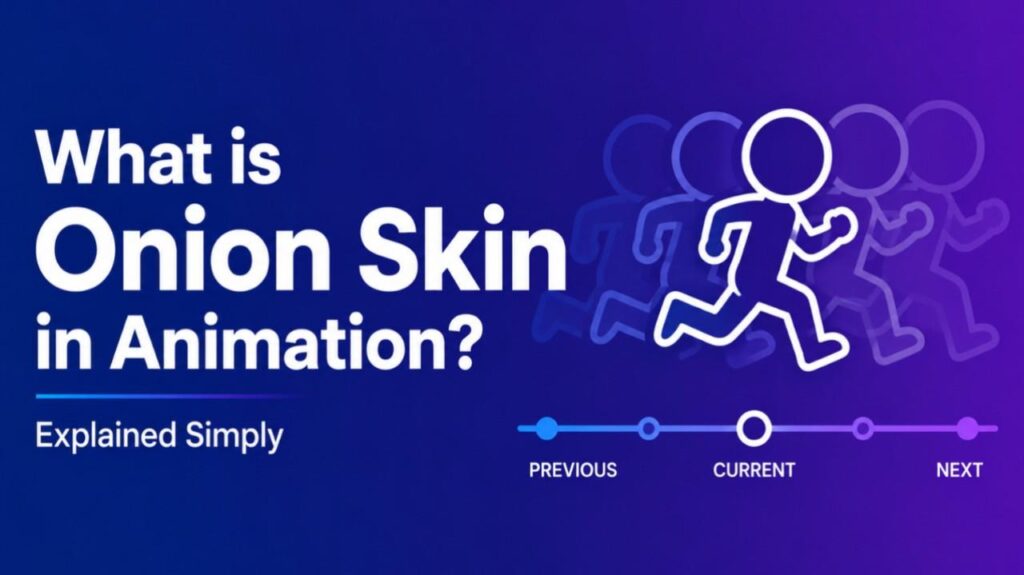
What is Onion Skin in Animation – Onion skin in animation is a technique that displays multiple frames simultaneously, like layers of transparent paper, to help artists see the relationship between previous, current, and next drawings.
How Onion Skin Works
In traditional hand-drawn animation, artists draw on transparent sheets. They stack drawings to trace movement smoothly. Digital software recreates this by showing semi-transparent previous and next frames alongside the current one. Artists adjust opacity and colors for clarity.
Benefits of Onion Skin
- Maintains consistent character proportions and movement
- Ensures smooth transitions between frames
- Speeds up the animation process
- Helps beginners learn timing and spacing
- Reduces errors in complex sequences
Onion Skin in Digital Tools
Most animation programs offer onion skin features:
- Adjust number of previous/next frames shown
- Change opacity levels
- Customize colors for different frame types
- Toggle on/off easily
Onion Skin vs. Other Techniques
Onion skin focuses on frame-by-frame comparison. Motion tweening or rigging automates movement but lacks the precise control of manual drawing. Traditional animators rely heavily on onion skin for quality hand-drawn work.
Also Read-What is a Deputy Superintendent
Examples
- Drawing a character walking: See the leg position from the previous frame while drawing the current one
- Creating facial expressions: Ensure mouth shapes flow naturally between frames
FAQs : What is Onion Skin in Animation
Is onion skin only for traditional animation?
No. It is widely used in digital animation software too.
How many frames do you typically show?
Most artists use 2–3 previous and next frames.
Does onion skin slow down animation?
No. It actually speeds up the process by improving accuracy.
Can beginners use onion skin?
Yes. It is especially helpful for learning proper timing and spacing.
What software has good onion skin tools?
Adobe Animate, Toon Boom Harmony, Krita, and Blender offer strong features.