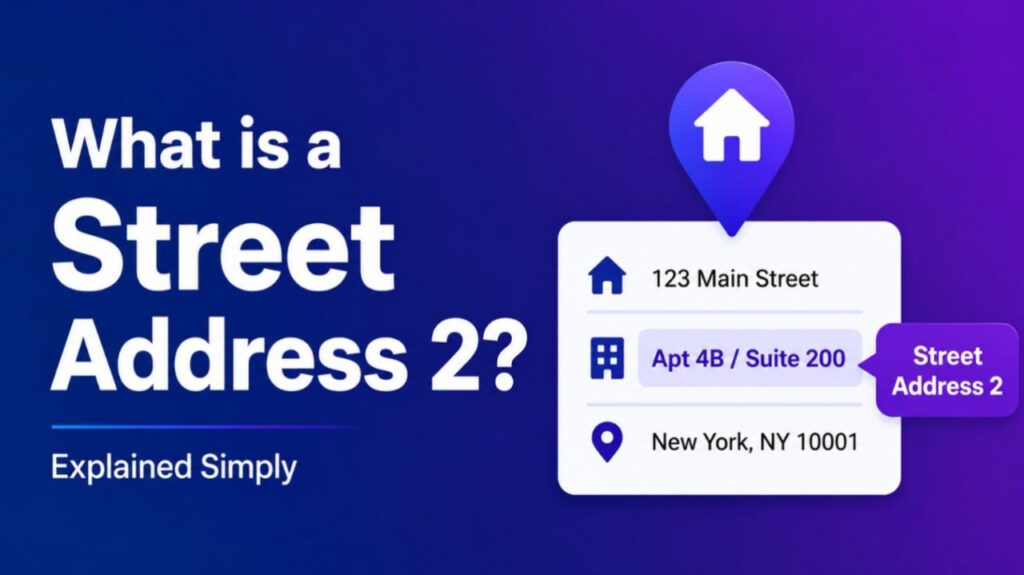
What is a Street Address 2 – Street Address 2 is the optional second line in an address form. It provides additional location details such as apartment numbers, suite numbers, floor levels, or building names.
How Street Address 2 Works
Address forms split information across lines for clarity:
- Street Address 1 — Primary street number and name (required)
- Street Address 2 — Secondary details (optional)
This structure helps mail carriers, delivery services, and GPS systems locate you precisely.
Common Uses for Street Address 2
- Apartment or unit number (e.g., Apt 3B)
- Suite or room number (e.g., Suite 200)
- Building name or floor (e.g., Floor 5)
- PO Box or mail stop
- Company name (for business addresses)
Example Full Address: 123 Main Street Apt 456 Anytown, CA 90210
Also Read-What is a Compromised Password
Why Street Address 2 Matters
- Prevents delivery confusion in large buildings
- Improves accuracy for online orders and services
- Standardizes data entry across forms and databases
- Helps distinguish between similar addresses
Street Address 2 vs. Other Address Fields
- Street Address 1 — Main location
- Street Address 2 — Additional details
- City/State/ZIP — Geographic location
Leave Street Address 2 blank if not needed. Never put primary street information there.
FAQs : What is a Street Address 2
Do I always need to fill Street Address 2?
No. It is optional. Use it only when extra details apply.
What if my address doesn’t have a second line?
Leave it blank. The system will process your address correctly.
Can I put a PO Box in Street Address 2?
Usually not. PO Boxes typically go in the main address line or have their own format.
Why do some forms require Street Address 2?
It ensures complete location data for complex addresses.
How do I format Street Address 2?
Keep it short and clear. Use standard abbreviations when appropriate.