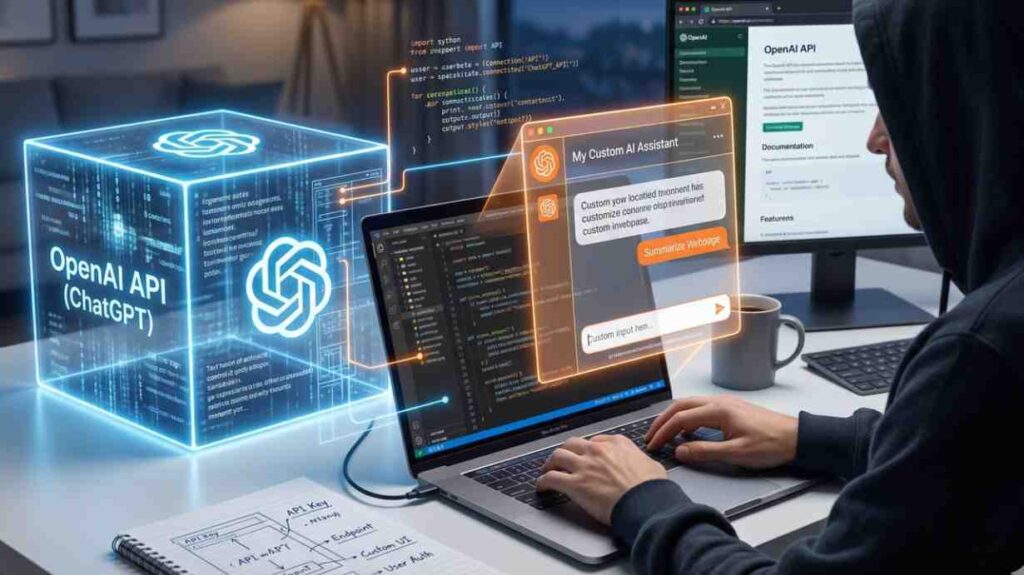
How To Make A Chat Gpt Wrapper ? – Artificial Intelligence has transformed how we interact with technology. Among the most impactful innovations is ChatGPT, a conversational AI model that can generate human-like responses. While ChatGPT is powerful on its own, developers often need to wrap it — meaning they build a custom interface, API, or application layer around it to integrate into their systems.
This article explores how to make a ChatGPT wrapper, step by step, with technical depth, practical examples, and architectural insights. By the end, you’ll understand not only how to build one but also how to optimize it for scalability, security, and usability.
What is a ChatGPT Wrapper? How To Make A Chat Gpt Wrapper
A wrapper is essentially a layer of code that sits between the raw ChatGPT API and your application. It abstracts complexity, adds custom features, and ensures smooth integration.
Think of it as a translator:
- ChatGPT speaks in raw API calls.
- Your app speaks in user-friendly functions.
- The wrapper bridges the two.
Why Build a Wrapper?
- Simplification: Hide complex API calls behind easy-to-use functions.
- Customization: Add domain-specific logic (e.g., medical chatbot, legal assistant).
- Control: Manage rate limits, retries, and error handling.
- Integration: Connect ChatGPT with databases, CRMs, or messaging platforms.
Core Architecture of a Wrapper
A well-designed wrapper typically includes:
- API Layer
- Handles requests to OpenAI’s ChatGPT API.
- Manages authentication and headers.
- Middleware
- Adds logic like caching, logging, or filtering.
- Implements guardrails (e.g., profanity filters).
- Interface Layer
- Provides functions like
ask_question(),summarize_text(), orgenerate_code(). - Abstracts away raw API complexity.
- Provides functions like
- Integration Layer
- Connects with external systems (Slack, WhatsApp, web apps).
Step-by-Step Implementation
Step 1: Set Up Environment
- Install Python (or Node.js, depending on preference).
- Get an API key from OpenAI.
- Install dependencies:
bash
pip install openai flask requests
Step 2: Basic API Call
Here’s a minimal Python example:
python
import openai

openai.api_key = "YOUR_API_KEY"

def chat_with_gpt(prompt):
    response = openai.ChatCompletion.create(
        model="gpt-4",
        messages=[{"role": "user", "content": prompt}]
    )
    return response['choices'][0]['message']['content']

print(chat_with_gpt("Hello, how are you?"))
This is the raw call. The wrapper will make this more user-friendly.
Step 3: Build the Wrapper Class
python
class ChatGPTWrapper:
    def __init__(self, api_key, model="gpt-4"):
        openai.api_key = api_key
        self.model = model

    def ask(self, prompt, role="user"):
        try:
            response = openai.ChatCompletion.create(
                model=self.model,
                messages=[{"role": role, "content": prompt}]
            )
            return response['choices'][0]['message']['content']
        except Exception as e:
            return f"Error: {str(e)}"
Now you can call:
python
bot = ChatGPTWrapper("YOUR_API_KEY")
print(bot.ask("Explain quantum computing in simple terms"))
Step 4: Add Middleware Features
- Logging: Save conversations.
- Caching: Store frequent queries.
- Rate Limiting: Prevent API overuse.
Example with logging:
python
import logging

logging.basicConfig(filename="chatgpt.log", level=logging.INFO)

class ChatGPTWrapper:
    def __init__(self, api_key, model="gpt-4"):
        openai.api_key = api_key
        self.model = model

    def ask(self, prompt, role="user"):
        logging.info(f"User Prompt: {prompt}")
        response = openai.ChatCompletion.create(
            model=self.model,
            messages=[{"role": role, "content": prompt}]
        )
        answer = response['choices'][0]['message']['content']
        logging.info(f"GPT Response: {answer}")
        return answer
Step 5: Create REST API Wrapper
Using Flask:
python
from flask import Flask, request, jsonify

app = Flask(__name__)
bot = ChatGPTWrapper("YOUR_API_KEY")

@app.route("/chat", methods=["POST"])
def chat():
    data = request.json
    prompt = data.get("prompt")
    response = bot.ask(prompt)
    return jsonify({"response": response})

if __name__ == "__main__":
    app.run(port=5000)
Now you can send POST requests to /chat with JSON payloads.
Step 6: Add Advanced Features
- Conversation Memory: Store context across turns.
- Role Management: Different personas (teacher, coder, lawyer).
- Guardrails: Block unsafe outputs.
Example: Adding memory
python
class ChatGPTWrapper:
    def __init__(self, api_key, model="gpt-4"):
        openai.api_key = api_key
        self.model = model
        self.history = []

    def ask(self, prompt, role="user"):
        self.history.append({"role": role, "content": prompt})
        response = openai.ChatCompletion.create(
            model=self.model,
            messages=self.history
        )
        answer = response['choices'][0]['message']['content']
        self.history.append({"role": "assistant", "content": answer})
        return answer
Security Considerations
- API Key Protection: Never expose keys in client-side code.
- Rate Limits: Implement throttling.
- Data Privacy: Avoid storing sensitive user data.
- Validation: Sanitize user inputs.
Deployment Options
- Web App: Deploy Flask/Django app.
- Mobile App: Use wrapper via REST API.
- Chat Platforms: Integrate with Slack, Discord, WhatsApp.
- Enterprise Systems: Connect with CRMs or ERPs.
Scaling Your Wrapper
- Use Redis for caching.
- Deploy on Docker + Kubernetes.
- Add load balancing.
- Monitor with Prometheus + Grafana.
Example Use Cases
- Customer Support Bot
- Educational Tutor
- Code Assistant
- Content Generator
- Legal/Medical Advisor (with disclaimers)
Best Practices
- Keep wrapper modular.
- Add error handling.
- Use environment variables for secrets.
- Document your functions.
- Test thoroughly.
Conclusion : How To Make A Chat Gpt Wrapper
A ChatGPT wrapper is more than just a convenience — it’s a necessity for building scalable, secure, and user-friendly AI applications. By abstracting complexity, adding middleware, and integrating with external systems, you can transform raw AI power into tailored solutions.
Also Read – How to raise hand in zoom meeting