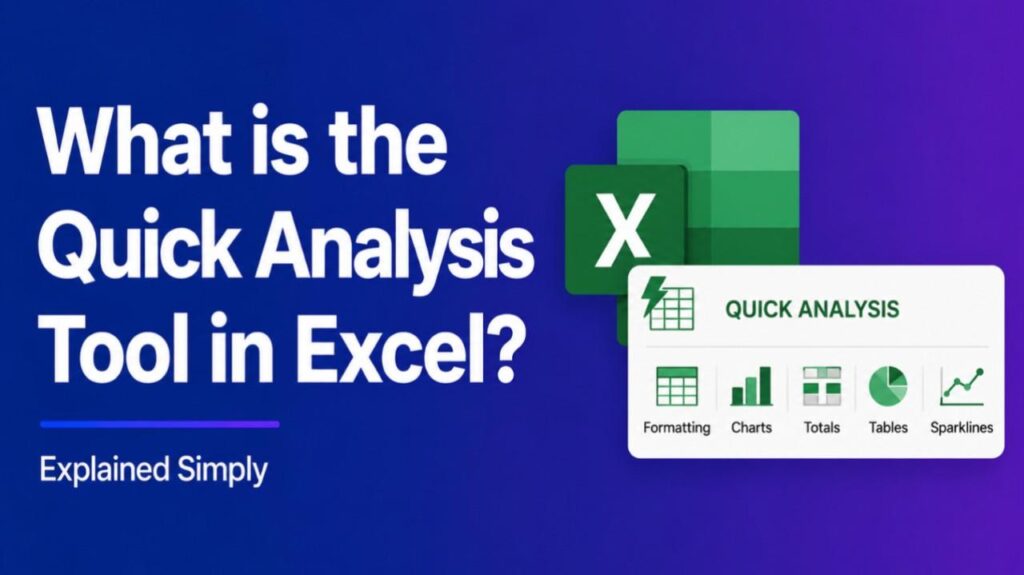
What is the Quick Analysis Tool in Excel – The Quick Analysis tool in Excel is a convenient feature that lets you instantly analyze and visualize selected data with one click. It provides fast access to formatting, charts, totals, tables, sparklines, and PivotTables without navigating deep into menus.
How to Access the Quick Analysis Tool
Select your data range. A small button appears in the bottom-right corner of the selection. Click it to open the tool. You can also press Ctrl + Q as a shortcut.
Main Tabs and Features
The Quick Analysis tool organizes options into these tabs:
- Formatting: Apply conditional formatting like color scales, data bars, icon sets, or highlight rules to spot trends and outliers quickly.
- Charts: Suggest and insert recommended charts based on your data.
- Totals: Add common calculations such as Sum, Average, Count, or Running Total at the bottom or right of your data.
- Tables: Convert your range into a formatted Excel Table with filters.
- Sparklines: Insert mini inline charts (line, column, or win/loss) to show trends in a compact way.
- PivotTable: Create a basic PivotTable or recommended PivotTable for deeper analysis.
How It Works
Excel examines your selected data and shows relevant previews on hover. This context-aware approach makes it beginner-friendly while speeding up common tasks for experienced users.
Also Read-What is Async Compute
Benefits
- Saves time by reducing menu navigation.
- Helps users discover insights without advanced Excel knowledge.
- Provides live previews before applying changes.
- Works great for quick reports, dashboards, and data exploration.
Quick Analysis vs. Other Excel Tools
Unlike the full Analyze Data (formerly Ideas) feature, which uses AI for broader insights, Quick Analysis focuses on immediate, visual actions on selected cells. It complements PivotTables and charts but offers faster one-click access.
FAQs : What is the Quick Analysis Tool in Excel
How do I enable the Quick Analysis tool if it’s not showing?
Go to File > Options > General, and check the box for “Show Quick Analysis options on selection.”
Does Quick Analysis work on all data types?
It works best with tabular data. Options adapt based on whether your data contains numbers, dates, or text.
Can I use Quick Analysis in Excel for Mac or older versions?
It is available in Excel 2013 and later for Windows, with similar support in recent Mac versions.
Is Quick Analysis the same as Recommended Charts?
No. It includes Recommended Charts as one option but also covers formatting, sparklines, totals, and more.
Can beginners use the Quick Analysis tool effectively?
es. Its preview feature makes it very intuitive for new users to create professional-looking results quickly.