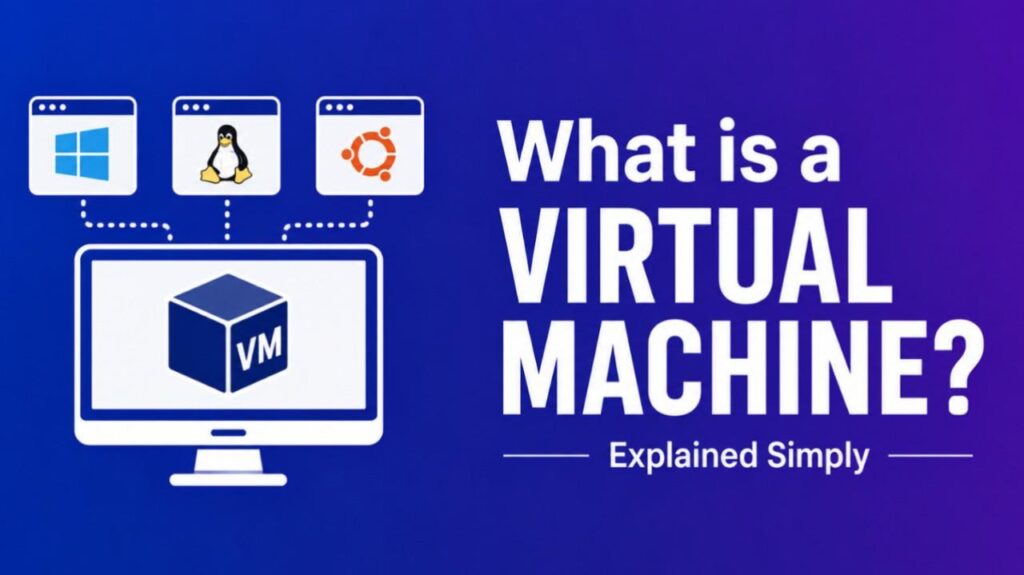
What Is A Virtual Machine ? – A virtual machine (VM) is a software-based emulation of a physical computer. It runs its own operating system and applications while sharing the underlying physical hardware resources of a host machine.
How a Virtual Machine Works
A hypervisor (also called a virtual machine monitor) creates and manages VMs. It sits between the physical hardware and the virtual machines.
Key steps:
- The hypervisor allocates CPU, memory, storage, and network resources from the host to the VM.
- The VM runs a complete guest operating system (e.g., Windows, Linux) as if it were on dedicated hardware.
- Applications inside the VM interact with virtual hardware provided by the hypervisor.
- The hypervisor translates these requests to the real hardware and handles isolation between multiple VMs.
This process allows multiple independent operating systems to run on a single physical server.
Types of Virtual Machines
- System Virtual Machines (Full virtualization) — Emulate a complete computer system, including the full OS. Examples: VMware vSphere, Microsoft Hyper-V, VirtualBox.
- Process Virtual Machines — Run a single application or process in an isolated environment (e.g., Java Virtual Machine).
- Type 1 Hypervisors (Bare-metal) — Run directly on hardware (e.g., VMware ESXi, Xen).
- Type 2 Hypervisors (Hosted) — Run on top of a host operating system (e.g., VirtualBox, VMware Workstation).
Benefits and Uses
- Resource efficiency — Run multiple servers or environments on one physical machine.
- Isolation — Problems in one VM do not affect others.
- Easy testing and development — Spin up clean environments quickly and revert changes with snapshots.
- Portability — Move entire machines between hosts or clouds.
- Cost savings — Reduce hardware needs and energy consumption in data centers.
- Security — Test suspicious software or run legacy applications safely.
Common uses include server consolidation, cloud computing (AWS EC2, Google Compute Engine), software development, and running incompatible OSes.
Also Read-What Is A Savings Bond ?
Real-World Examples
- Developers use VirtualBox or VMware Workstation to test software across Windows, Linux, and macOS.
- Enterprises run production workloads on VMware or Hyper-V for better hardware utilization.
- Security researchers analyze malware inside isolated VMs.
- Cloud providers deliver scalable virtual servers to customers.
Virtual Machine vs Container
Virtual Machine: Includes its own full operating system. Heavier, more isolated, slower to start. Container (e.g., Docker): Shares the host OS kernel. Lighter, faster, uses fewer resources, but offers less isolation.
VMs provide stronger boundaries; containers excel at microservices and rapid deployment.
FAQs : What Is A Virtual Machine ?
What is the difference between a virtual machine and a physical machine?
A physical machine uses dedicated hardware. A virtual machine emulates hardware through software and shares resources with other VMs.
Are virtual machines safe?
Yes, due to strong isolation. However, poor hypervisor configuration or shared vulnerabilities can pose risks.
Do virtual machines slow down performance?
There is some overhead, but modern hypervisors and hardware virtualization (Intel VT-x, AMD-V) make it minimal for most workloads.
Can I run a virtual machine on my laptop?
Yes. Free tools like VirtualBox, VMware Player, or Hyper-V (Windows) make it easy for personal use.
How much resources does a VM need?
It depends on the guest OS and applications. A basic Linux VM might need 2 GB RAM and 20 GB storage; a Windows desktop needs more.