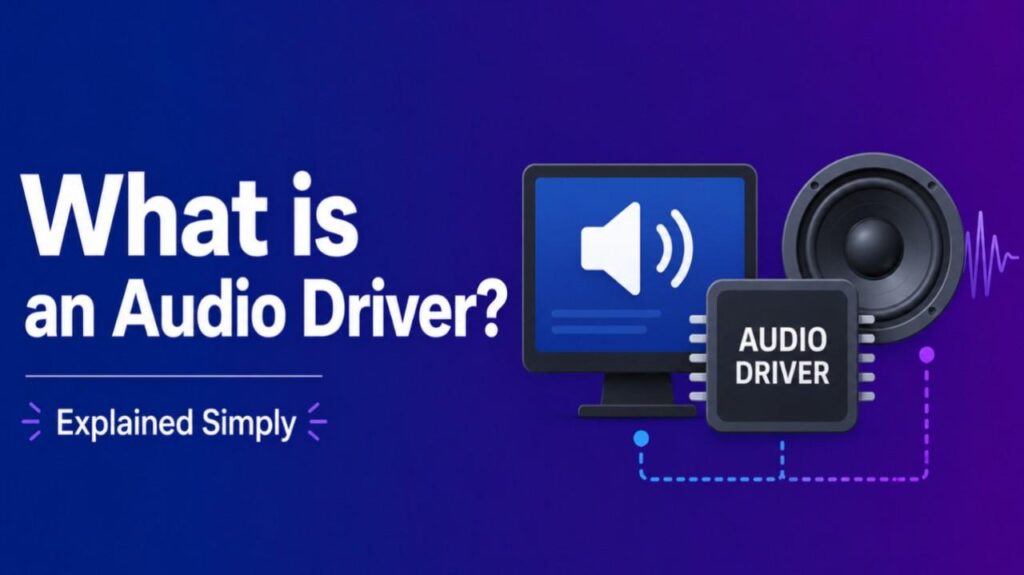
What is an Audio Driver – An audio driver is software that enables your computer’s operating system to communicate with audio hardware, such as sound cards, speakers, headphones, or microphones.
Without it, your device cannot properly play sound, record audio, or manage volume and settings.
How an Audio Driver Works
The driver acts as a translator. It converts instructions from the operating system and applications into commands the audio hardware understands, and vice versa.
It handles tasks like:
- Processing digital audio signals
- Managing playback and recording
- Controlling volume, effects, and device settings
- Ensuring low-latency performance for real-time audio (especially in music production)
Common examples include Realtek High Definition Audio drivers found on many laptops and motherboards.
Types of Audio Drivers
- Standard hardware drivers (e.g., WDM, WASAPI): Built into or provided for Windows. They handle everyday audio for music, videos, and system sounds.
- ASIO drivers: Low-latency drivers popular in professional audio production. They bypass some operating system layers for better performance in recording studios.
- Manufacturer-specific drivers: Provided by companies like Realtek, NVIDIA, or audio interface brands (Focusrite, Audient) for optimized features.
macOS uses Core Audio, which often requires fewer manual driver installations.
Also Read-What is a Riser Desk?
Why Audio Drivers Matter
Updated audio drivers fix common problems like no sound, crackling, distorted audio, or microphone issues. They improve compatibility, sound quality, and stability. Outdated or missing drivers often cause audio failures after Windows updates.
Audio Driver vs Speaker Driver
Do not confuse them. An audio driver is software. A speaker driver is a physical hardware component inside speakers or headphones that converts electrical signals into sound waves.
FAQs : What is an Audio Driver
Do I need to install an audio driver?
Yes, if your computer lacks sound or has issues. Many install automatically, but you may need to download manufacturer versions for full features.
How do I update my audio driver?
Use Device Manager in Windows, visit your computer or sound card manufacturer’s website, or use Windows Update.
What causes audio driver problems?
Outdated software, Windows updates, corrupted files, or hardware conflicts. Reinstalling or updating usually resolves them.
Are audio drivers only for Windows?
No. Every operating system (Windows, macOS, Linux) uses audio drivers, though implementation differs.