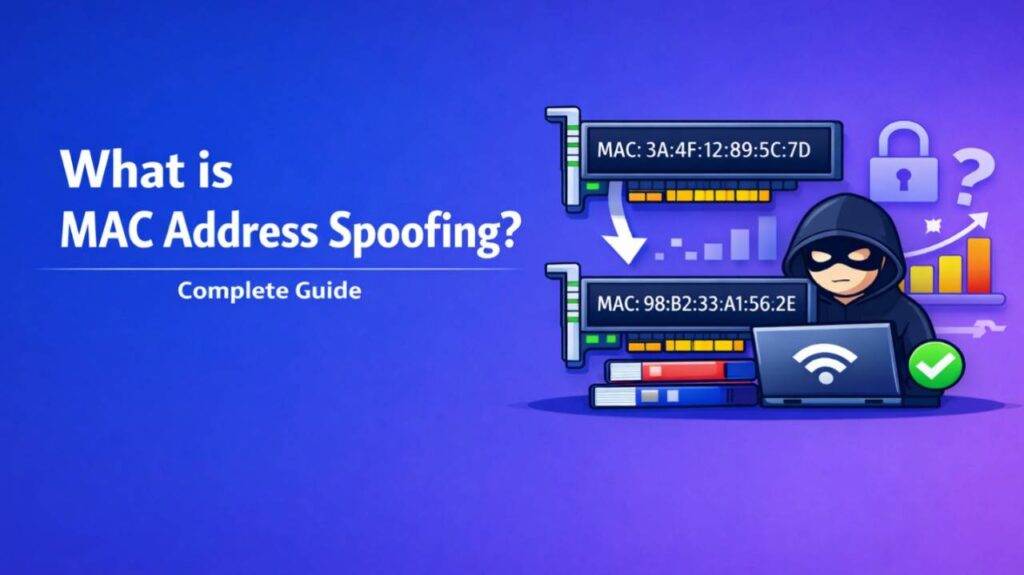
What is MAC Address Spoofing – MAC address spoofing is the process of changing or faking a device’s Media Access Control (MAC) address to impersonate another device on a network.
What Is a MAC Address?
Every network interface card (NIC) — whether in your laptop, smartphone, router, or IoT device — has a unique MAC address. This is a 48-bit identifier, usually written as six pairs of hexadecimal characters (e.g., 00:1A:2B:3C:4D:5E). Manufacturers assign these addresses, and they are used at the data link layer (Layer 2) of the OSI model for local network communication.
Unlike IP addresses, which can change, MAC addresses are traditionally “burned in” to hardware and remain constant.
How MAC Address Spoofing Works
MAC address spoofing involves altering the MAC address that your device reports to the network.
On most operating systems, this is straightforward:
- Windows: Use Device Manager, registry edits, or tools like Technitium MAC Address Changer.
- macOS/Linux: Use the ifconfig or ip link commands (e.g., sudo ip link set eth0 address 00:11:22:33:44:55).
- Smartphones: Some Android devices allow it through developer options or apps; iOS is more restricted.
Once changed, the device sends frames with the fake MAC address. Switches, routers, and access points see the spoofed address instead of the real one.
Legitimate Uses of MAC Address Spoofing
Many people use MAC spoofing for privacy or compatibility:
- Bypassing MAC filtering on Wi-Fi networks that only allow pre-approved devices.
- Privacy protection — hiding your real hardware identity from trackers on public networks.
- Testing and development — network engineers simulate different devices.
- Fixing conflicts — resolving rare duplicate MAC address issues.
- ISP restrictions — some providers tie service to a specific MAC address.
Malicious Uses and Security Risks
Attackers often use MAC spoofing for harmful purposes:
- Identity theft on networks — impersonating trusted devices to gain unauthorized access.
- Man-in-the-middle attacks — spoofing a router or gateway to intercept traffic.
- Evading detection — hiding from intrusion detection systems (IDS) or MAC-based blacklists.
- MAC flooding attacks — overwhelming switches to turn them into hubs.
Risks include easier tracking evasion for attackers, potential account takeovers on captive portals, and complications in network forensics.
Also Read-What is the Critical Temperature of Compound X
MAC Spoofing vs. IP Spoofing
People often confuse the two:
- MAC spoofing operates locally on Layer 2 and is limited to the same broadcast domain (usually one physical network).
- IP spoofing works on Layer 3 and can be done across the internet but is harder to maintain for two-way communication.
How to Detect and Prevent MAC Address Spoofing
Detection:
- Network monitoring tools like Wireshark can spot inconsistencies between MAC and IP bindings.
- Enterprise switches support port security and dynamic ARP inspection.
Prevention:
- Enable MAC address filtering carefully (though it can be bypassed).
- Use 802.1X authentication instead of MAC-based controls.
- Implement strict port security on switches that limits MAC addresses per port.
- Regularly monitor for unknown or duplicate MAC addresses.
- On personal devices, avoid connecting to untrusted networks without a VPN.
FAQs : What is MAC Address Spoofing
Is MAC address spoofing illegal?
No, the act itself is not illegal. It depends on intent and context. Using it to commit fraud, unauthorized access, or bypass security can violate laws.
Can MAC spoofing be detected?
Yes. Advanced networks use techniques like DHCP snooping, ARP inspection, and behavioral analysis to identify spoofed addresses.
Does MAC spoofing work on all devices?
Most wired and Wi-Fi devices support it, but some (especially managed enterprise hardware or locked mobile devices) restrict changes.
Does restarting my device reset the MAC address?
Usually yes — temporary software-based spoofing reverts on reboot unless you make the change persistent.
Is MAC spoofing the same as changing my IP address?
No. MAC addresses work locally within your immediate network segment, while IP addresses route traffic across networks.