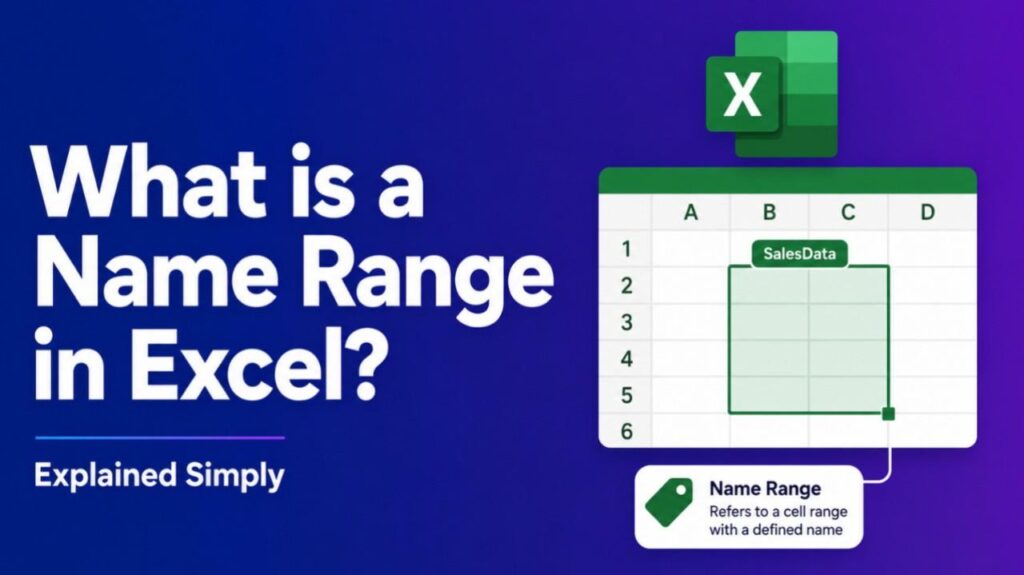
What is a Name Range in Excel – A name range in Excel is a feature that lets you assign a descriptive name to a cell or group of cells, making formulas and navigation easier. Instead of referencing cells by coordinates (like A1:B10), you can use a custom name (like “SalesData”) to simplify your work.
How Name Ranges Work
- Create a name: Select a cell or range, then define a name via the Name Box or Formulas tab.
- Use in formulas: Replace cell references with the name. Example:
=SUM(SalesData)instead of=SUM(A1:A10). - Manage easily: Edit or delete names in the Name Manager.
Benefits of Using Name Ranges
- Clarity: Formulas are easier to read and understand.
- Efficiency: Quickly navigate to named ranges.
- Consistency: Avoid errors when working with large datasets.
- Flexibility: Names can refer to static ranges or dynamic ranges that adjust automatically
- Also read-What is Magical Movie Mode.
Examples
- SalesData → Refers to monthly sales figures.
- Expenses → Used in budgeting formulas.
- TaxRate → A single cell with a constant value.
Comparison: Name Range vs. Table
| Feature | Name Range | Table |
|---|---|---|
| Name Range | Assigns a name to cells | Best for formulas |
| Excel Table | Structured data with headers | Best for filtering and sorting |
FAQs : What is a Name Range in Excel
How do I create a name range in Excel?
Select the cells, type a name in the Name Box, or use Formulas → Define Name.
Can name ranges be dynamic?
Yes, you can use formulas like OFFSET or INDEX to create dynamic ranges.
Are name ranges case-sensitive?
No, Excel treats names as case-insensitive.
Can I use spaces in a name range?
No, names must be one word. Use underscores (_) instead.